
On your Mac
Local transcription for Mac
Speech becomes text on the Mac that heard it. No meeting bot, and no audio sent away to be transcribed.
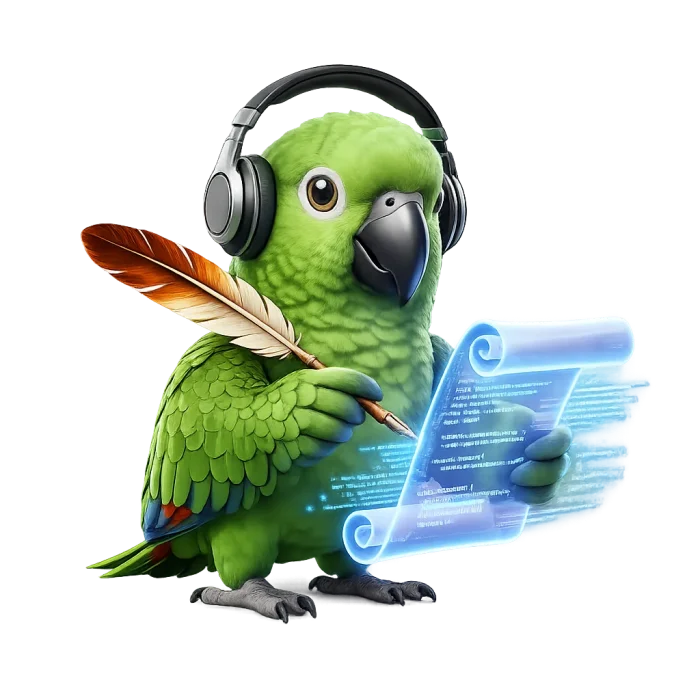
What stays on the Mac
A local transcript is the text written where the audio was captured. In Parrot Scribe, that place is your Mac.
Whisper on the device
Transcription uses Whisper models through WhisperKit. The app downloads a model once. After that, turning speech into text does not need a network.
No meeting bot
Parrot Scribe records your microphone and the Mac's system audio, so it hears a call in any app. Nothing joins the participant list.
An encrypted library
Transcripts, recordings, and speaker data are encrypted with AES-256-GCM. The search index is encrypted with SQLCipher. The library key lives in your Mac's Keychain, and no Parrot Scribe server holds a copy.
Questions about local transcription
What is local transcription?
Local transcription turns speech into text on your own computer. Parrot Scribe does that on a Mac with Whisper through WhisperKit, so audio is not sent to a server to be transcribed.
Does a local transcript stay on my Mac?
Sessions are saved in an encrypted library on your disk. If you turn on MCP, a Pro feature that is off by default, and connect a cloud assistant, that provider receives the transcript content the assistant reads.
Can I transcribe offline?
After the model is on your Mac, transcription works without an internet connection. Personal use needs no license. Pro checks its license online every 30 days, with 7 days of grace. After that grace period, Pro features pause until the Mac is online again. Transcription itself does not need a license.
Which Macs can run it?
Apple Silicon (M1 or later) and macOS 15 Sequoia or later. Intel Macs are not supported.
Is local transcription free?
Personal use is free and unlimited, with no account. Pro adds automatic recording for Zoom and Microsoft Teams, and an MCP server, on up to 5 Macs.
How is this different from cloud transcription?
A cloud service usually uploads the audio and often joins the meeting as a bot. Parrot Scribe listens through the Mac and writes the transcript there. You can also import an audio or video file later and transcribe it on the same Mac.
Start a local transcript
Download Parrot Scribe for your Mac. Personal use is free, with no account.